Tiny Eden Tools
Offline charts for soil, pots, and launch night so you are not pausing every tooltip.
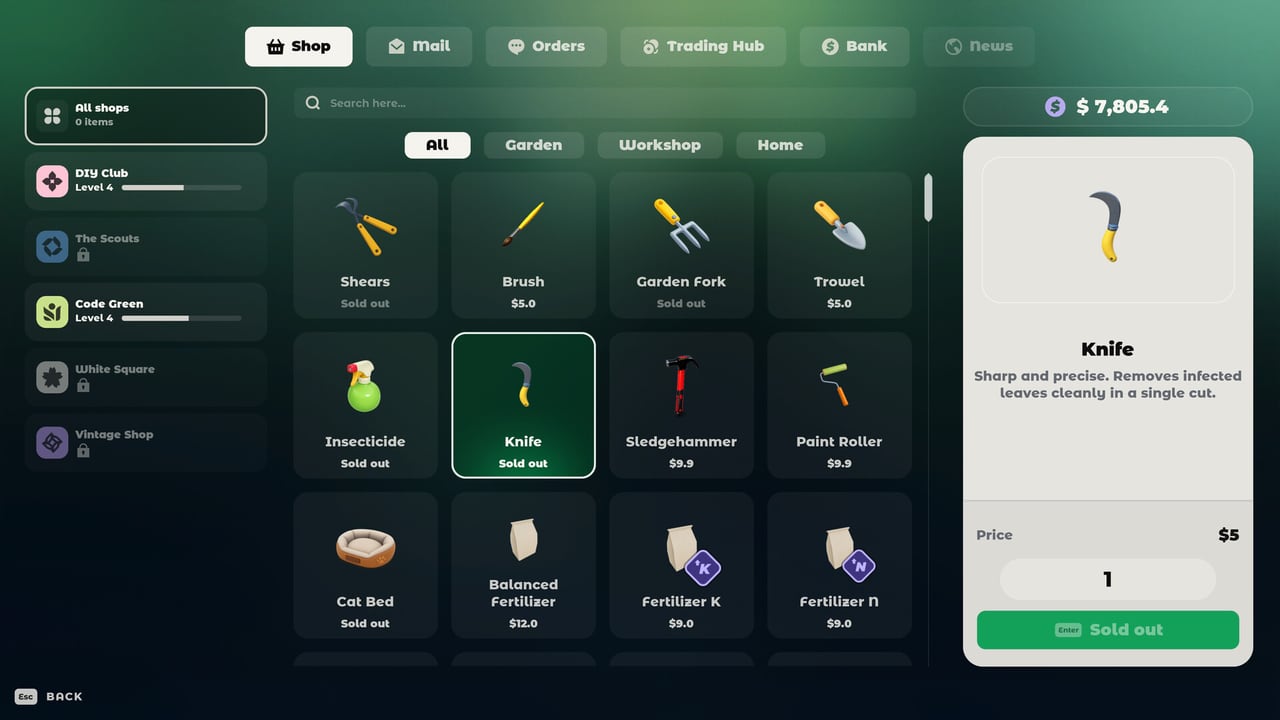
Tiny Eden already shows soil gauges in-game. These tools exist because you should not have to alt-tab through a FAQ thread while a seedling dries out. Everything here is a static chart built from official posts and demo reports. Nothing here is a cheat engine.
- Soil and NPK helper — what compost, sand, clay, N, P, and K actually do, plus a safe feeding order.
- Pot size chart — the tomato transplant chain and how to read plant-info volume hints.
Pair them with how to grow and the plant tier list. If you still need movement help, controls is the other “tool” players forget they need.
Why a cozy game needs charts
Most farm sims hide fertility behind a colour. Tiny Eden prints compost 0/6 and sand 0/4 on the pot, then adds NPK notifications, then kills the plant if you panic-feed. That is closer to a real balcony than to a pixel hoe. A chart lets you plan a windowsill before you spend the first paycheck.
The same is true of containers. A 0.5 L cup is a nursery, not a farm. Demo tomatoes taught that the expensive way. The pot size chart is there so you buy the next pot before the despawn timer.
How to use the tools during a session
- Read the in-game plant card first. It is always more current than this wiki.
- If the card says a mix, copy it into the soil helper so you remember which bag to grab.
- If the card says to transplant, open the pot chart and park the next size next to the plant the same day.
- If you are planning recipes, jump to how to cook instead of stuffing random S-tier plants into one 3 L box.
What these tools will not do
They will not calculate a 1.0 gold-per-hour. They will not simulate companion planting for every pair — tomato + basil vs cabbage is documented; the rest is “read the card.” They will not run on your Steam Deck as an overlay. They will not replace the demo.
After 7 September, if 1.0 changes volumes or NPK labels, these pages update. Until then, treat community litre numbers as demo-informed.
For launch timing and price, use release date. For official apps and Discord, use the links hub.
The two child tools are meant to sit in a second monitor or a phone. They are not walkthroughs. If you need the story of why sand exists, that paragraph lives in how to grow. If you need WASD, that is controls. Keep this hub thin on lore so the charts stay easy to find during a live plant emergency.
Frequently Asked Questions
Quick answers to the most common Tiny Eden questions.
Are these Tiny Eden tools official?
No. They are fan charts based on the FAQ, dev logs, and demo reports. The in-game plant card always wins.
Do I need the soil tool if the game already shows numbers?
The game shows the recipe. The soil helper explains what the numbers mean so you stop over-fertilising.
Is there a recipe calculator?
Not yet. Use how to cook until 1.0 publishes a stable recipe list.